



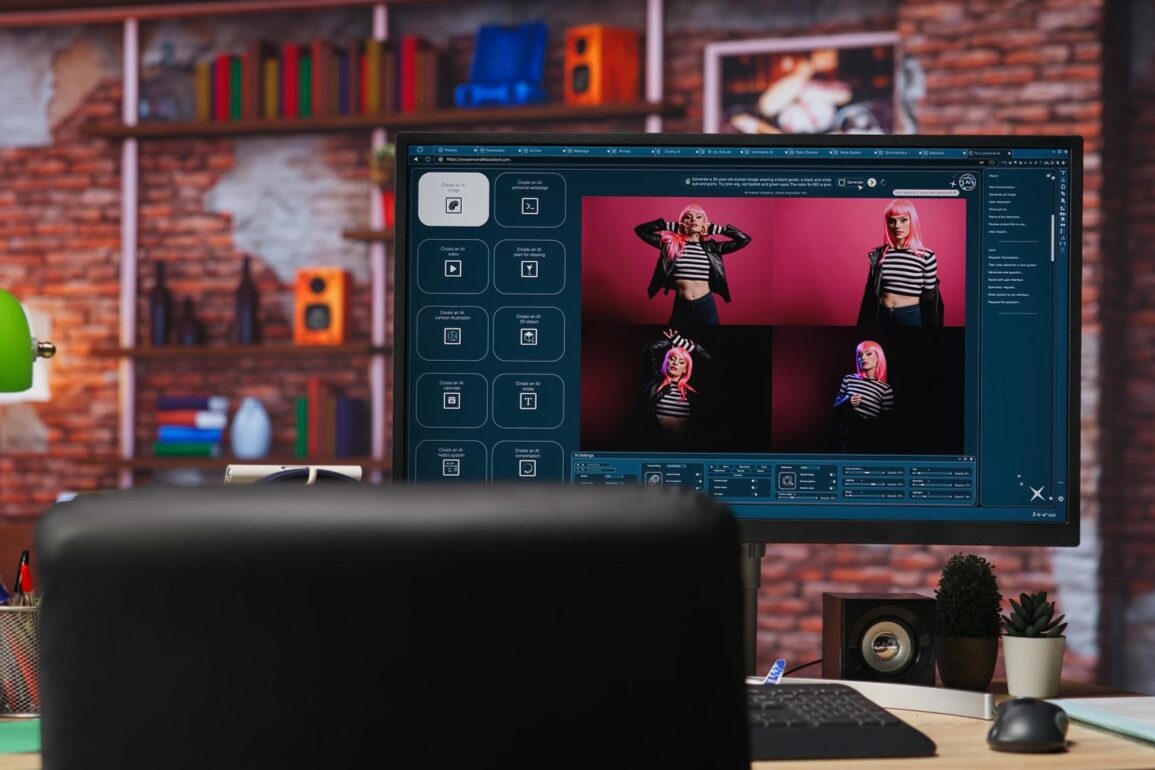
AI video tools have exploded in 2026. What used to take days of editing, filming, voice-overs, and effects now happens in minutes with text prompts, photos, or short clips turned into polished videos. Beginners can make scroll-stopping content like funny skits, motivational reels, product demos, travel montages, or explainer clips without expensive cameras, crews, or software skills.
These tools are changing how people create for TikTok, Instagram Reels, YouTube Shorts, LinkedIn, and even personal projects. The best part? Many are free or have generous free tiers, and realistic results come fast if you follow a few smart steps.
Here are beginner-friendly tips to create viral-worthy AI videos in under an hour, no prior experience needed.
1. Pick the right tool for what you want to make
Different AI video generators shine in different styles in 2026. Choose based on your goal:
- Runway Gen-3 Alpha / Gen-3 Turbo: Best for cinematic, realistic motion from text or image. Great for dramatic scenes or storytelling. Free trial credits, then affordable pay-per-use.
- Kling AI: Excellent for smooth human motion, lip-sync, and natural-looking people. Strong free daily credits.
- Luma Dream Machine: Fast, dreamy, artistic videos from text or images. Free tier with daily generations.
- Pika 1.5 / Pika Labs: Super quick for fun, trendy, meme-style clips and lip-sync. Very beginner-friendly, generous free use.
- Sora (OpenAI): If available in your region, amazing quality for complex scenes (still limited access in many places).
- CapCut AI features: Free inside the CapCut app. It offers cool features like text-to-video, image-to-video, auto-captions, effects. Perfect for quick social clips.
Start with CapCut or Pika if you want zero cost and instant results. Move to Runway or Kling once comfortable.
2. Write clear, detailed prompts (the secret to good output)
AI video lives or dies on the prompt. Be specific but not confusing.
Good structure:
- Scene description + camera movement + mood + style + duration hints.
Examples that work well:
- “A nice coffee shop at golden hour, slow pan across steaming latte art, warm lighting, cinematic 35mm film look, 8 seconds.”
- “Young woman laughing while walking through rainy Tokyo streets at night, neon reflections, upbeat mood, smooth tracking shot, anime style, 10 seconds.”
- “Funny cat wearing sunglasses dancing on a beach, tropical sunset, TikTok viral style, energetic music vibe, 6 seconds loop.”
Pro tip: Add “highly detailed, 4K, realistic lighting” or “trending TikTok aesthetic” for modern polish. Keep prompts under 100–150 words.
3. Start with image-to-video instead of pure text
Text-to-video can be unpredictable. Upload a good photo first (yours or stock), then let AI animate it.
- Take a clear selfie or product photo.
- Prompt: “Animate this woman smiling and waving at camera, gentle wind in hair, sunny park background, happy vibe.” This gives better control over faces, outfits, and consistency.
4. Keep clips short (5–15 seconds max)
Viral clips are rarely long. Short loops or quick hooks perform best on Reels/Shorts/TikTok.
Aim for 6–12 seconds. Easier to generate, easier to watch, higher completion rates.
5. Add your own audio or use trending sounds
AI video tools often have built-in music, but trending TikTok/Instagram sounds drive virality.
- Generate silent video.
- Import to CapCut, InShot, or TikTok editor.
- Add trending audio, voice-over (record yourself or use AI voice like ElevenLabs free tier), or sound effects.
- Auto-generate captions/subtitles. They boost watch time hugely.
6. Use consistent characters and styles for series
People love recurring characters or themes.
- Generate a base image of a character (e.g., cartoon avatar or realistic portrait).
- Use image-to-video repeatedly with the same seed/image.
- Create a “series”. Same character in different funny situations. This builds followers faster than random one-offs.
7. Edit lightly for polish (don’t overdo)
AI output is good but not perfect. Spend 5–10 minutes in free editors:
- Trim start/end.
- Speed ramp for drama.
- Add text overlays or stickers.
- Color grade lightly (increase contrast/saturation). CapCut’s free AI tools handle most of this automatically.
8. Post smart to test virality
- Upload to TikTok/Reels first. Algorithms show it to more people quickly.
- Use trending sounds/hashtags.
- Post at peak times for your audience (evenings/weekends in most regions).
- Analyze what works (watch time, shares) and double down on that style.
9. Respect usage rights and ethics
- Don’t use real people’s faces without permission for public content.
- Avoid generating misleading/deepfake-style videos.
- Credit tools if required (most free tiers allow commercial use now).
- Watermark personal branding if you want.
10. Start small and iterate
Begin with one 10-second clip today.
- Pick Pika or CapCut.
- Write a simple prompt.
- Generate 3 versions.
- Pick the best, add sound, post privately to see how it feels.
- Improve next one based on what looked off.
AI video isn’t magic yet, it still needs human direction for virality. But in 2026, anyone with a phone can create content that looks pro in under 30 minutes. The tools are free enough, the learning curve is short, and the results can surprise you.
Try one prompt tonight. Something fun and simple. See what happens when AI brings your idea to life in seconds.
The creator economy is more open than ever, and it starts with a single clip.